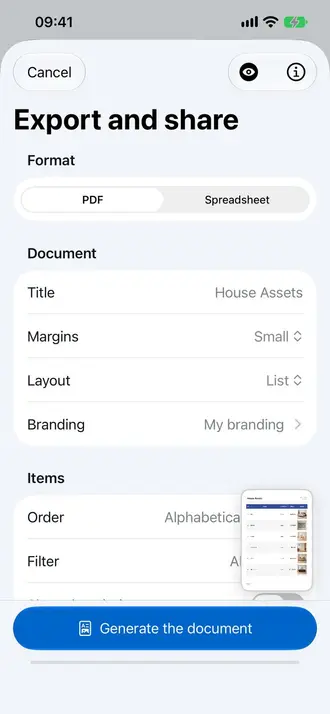
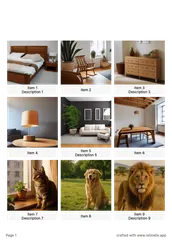
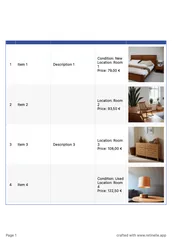
A PDF is great for reading and sharing. A spreadsheet is great for working with the data. When you need to sort, calculate, filter in an external tool, or import your inventory into another system, Retinelle’s spreadsheet export gives you a structured XLSX file with everything organized into columns and rows.
Spreadsheet export availability may depend on your current Retinelle Plus entitlement. Check the plan shown in the app before exporting; the XLSX file you create is yours to open and share.
What the spreadsheet contains
Each exported spreadsheet includes:
- One row per item. Every item in your project (or filtered view) gets its own row.
- Columns for each field. Item name, description, date added, and every custom field you defined become separate columns.
- Image references. Photos are embedded in the file or referenced by filename depending on the export configuration.
- Field types preserved. Currency fields include the symbol, number fields are numeric, enum fields show the selected value.
How to export
- Open the project you want to export.
- Apply filters if you want a specific subset of items.
- Tap Export and choose Spreadsheet. Select which fields to include.
- Save or share the XLSX file. Open it in Excel, Google Sheets, Numbers, or any spreadsheet application.
Why spreadsheet export matters
- Data analysis. Use spreadsheet formulas to calculate totals, averages, or custom summaries beyond what Retinelle’s built-in insights provide.
- Integration. Import the data into inventory management systems, accounting software, or databases.
- Collaboration. Share a spreadsheet with someone who does not use Retinelle. They can view and edit in their preferred tool.
- Backup in a universal format. An XLSX file opens on any computer with or without Retinelle installed.
Practical examples
Insurance preparation. Export your inventory with replacement values. Use a spreadsheet formula to calculate the total and generate a summary for your insurance company.
Sale listings. Export items marked “for sale” with descriptions and prices. Use the spreadsheet as a basis for marketplace listings.
Tax records. Export items purchased in a specific year with their values. Use the spreadsheet for tax documentation or charitable donation records.
Cross-referencing. Export two projects and compare them in a spreadsheet to find duplicates, missing items, or differences.
See a real spreadsheet export
This example shows a 3D-printed object inventory opened in Google Sheets, with photos, typed values, prices, and dates preserved in columns.
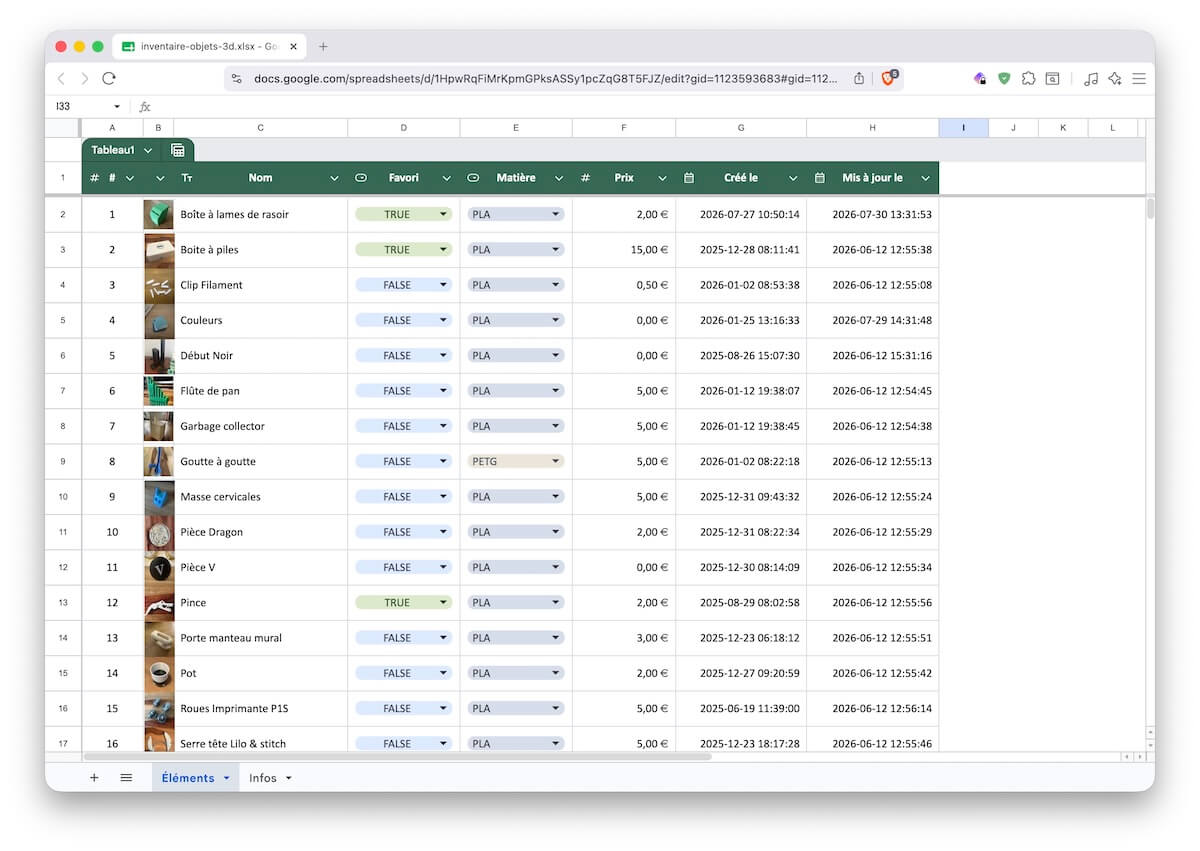
Download the example inventory XLSX file
Related features
- Retinelle vs. spreadsheet for the practical differences between an inventory app and a spreadsheet
- Export Your Inventory to PDF for a shareable document format
- Add Custom Fields to Your Inventory to define the columns in your export
- Search and Filter Your Inventory to filter items before export
- All features